
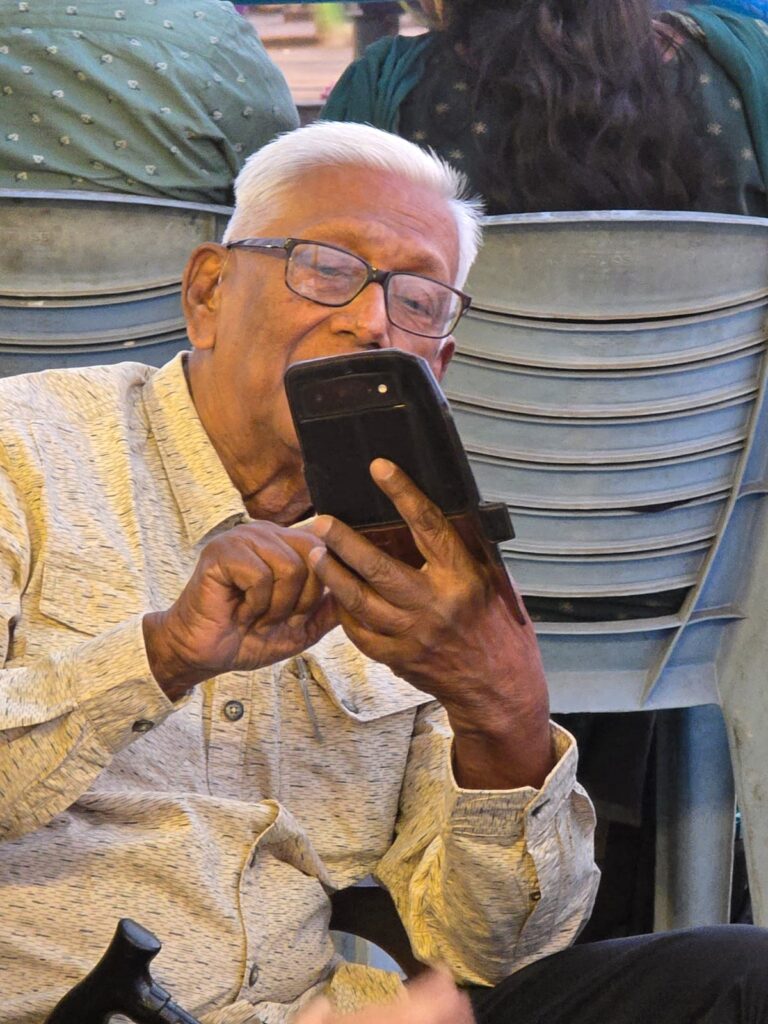
How to Teach Elderly Parents to Use Smartphones & Video Calls Safely
How to Teach Elder Parents to Use Smartphone
In today’s fast-changing world, smartphones are no longer a luxury—they are a necessity. From video calls with family to online doctor consultations, technology can significantly improve the quality of life for seniors. However, many elderly parents feel hesitant or overwhelmed when it comes to using smartphones.
At Autumn Leaves Care, we believe that helping seniors embrace technology is not just about convenience—it’s about connection, safety, and independence.
Why It’s Important for Seniors to Learn Smartphone Use
Smartphones can empower elderly individuals in many ways:
- Stay connected with children and grandchildren through video calls
- Access emergency help instantly
- Manage medications and doctor appointments
- Reduce loneliness and improve emotional well-being
With proper guidance, seniors can confidently use technology without fear.
Start with Patience, Not Pressure
Learning something new can feel intimidating, especially for seniors.
Begin with simple basics like:
- How to answer calls
- How to open WhatsApp
- How to make a video call
Avoid overwhelming them with too many features at once.
Repeat steps calmly—practice builds confidence.
Remember, it’s not about speed—it’s about comfort.
Teach Video Calling Step-by-Step
Video calls are one of the most valuable tools for elderly parents.
Simple approach:
- Open the app (WhatsApp/Google Meet)
- Select the contact
- Tap the video icon
Tip: Save important contacts with photos for easy identification.
This helps seniors feel emotionally connected, especially when family members live far away.
Focus on Safety First
Digital safety is crucial. Many seniors are vulnerable to online scams, which is why awareness is key.
Teach them:
- Never share OTP, bank details, or passwords
- Avoid unknown calls or suspicious links
- Only answer calls from saved contacts
Customize the Phone for Easy Use
Make the smartphone senior-friendly:
- Increase font size
- Use simple home screen layout
- Keep only essential apps
- Enable voice assistant (Google Assistant)
This reduces confusion and makes daily use easier.
Build Confidence Through Daily Practice
Consistency is the key to success.
- Encourage daily video calls with family
- Let them try small tasks independently
- Appreciate their efforts
Even small achievements boost confidence and reduce fear.
When Extra Support Makes a Difference
Sometimes, seniors need more than just technical guidance—they need companionship and regular support.
At Autumn Leaves Care, caregivers not only assist with daily living but also help seniors stay connected with their loved ones, ensuring emotional well-being and digital comfort.
We focus on creating a safe, supportive environment where seniors can live independently while staying connected to the world.
Final Thoughts
Teaching elderly parents to use smartphones is not just about technology—it’s about bringing families closer, ensuring safety, and enhancing independence.
With patience, proper guidance, and the right support, seniors can confidently embrace the digital world and enjoy a more connected, fulfilling life.
Need Help Supporting Your Elderly Loved Ones?
At Autumn Leaves Care, we provide compassionate, personalized elder care services—from daily assistance to emotional support and safety guidance.
Contact us today and give your loved ones the care, connection, and comfort they truly deserve.